Mac Setup

You're halfway there!
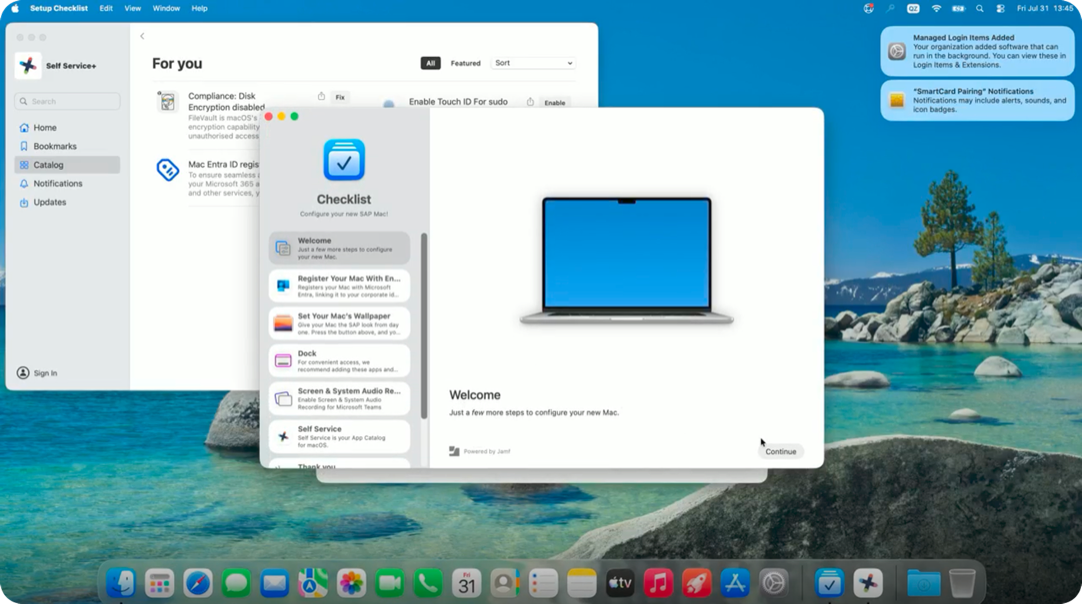
Your Mac's basic setup is complete – you should be looking at your desktop for the first time. The Checklist app on your screen will walk you through the remaining steps: signing in with your SAP account, granting permissions for apps like Microsoft Teams, and getting everything ready for work. Follow the steps in the Checklist app to finish.